Issue description
Your xTool F2 Ultra is unable to connect to a previously configured Wi-Fi network during use.
- Please consult this section for troubleshooting.
Troubleshooting
Step 1: Use a USB connection to access device settings
If your device is unable to connect to a previously configured Wi-Fi network, use a USB connection to access the device settings.
Step 2: Check previously configured Wi-Fi information
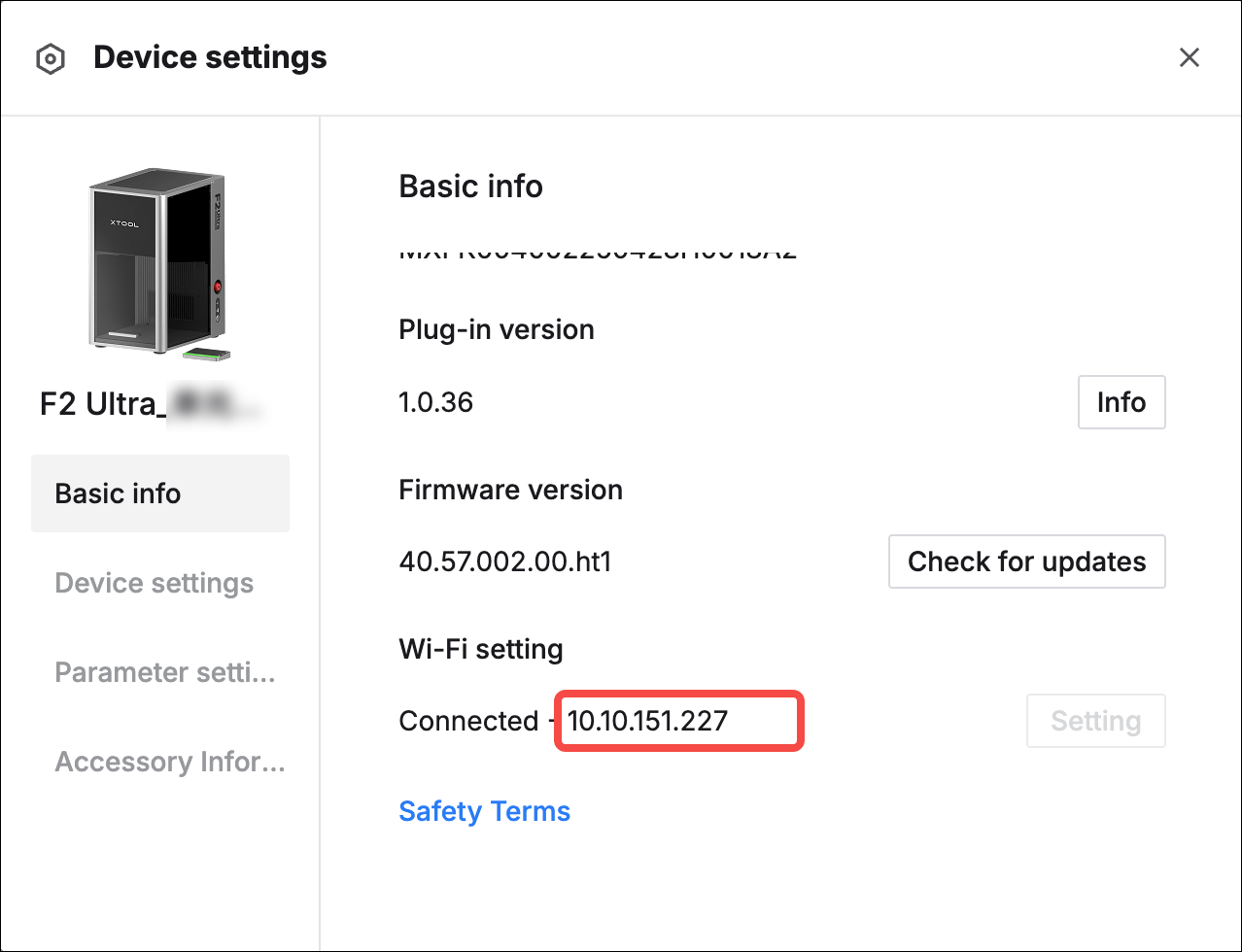
- If you can see the previously configured Wi-Fi information as shown in Pic 1, you can attempt to connect using the provided IP address.
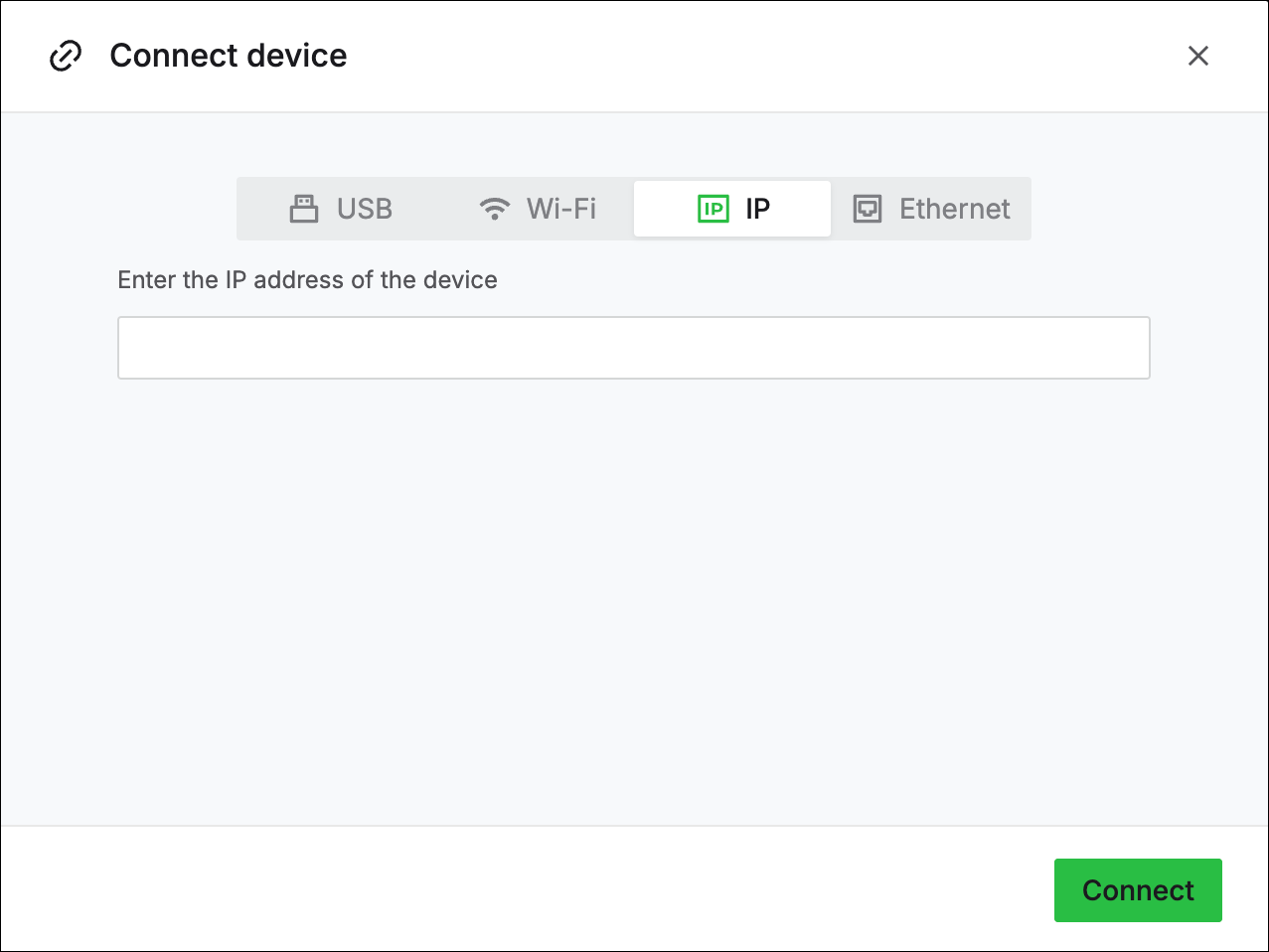
- Navigate to the device's connection interface, select IP, input the IP address displayed in the device settings, and click Connect.
- If you do not see IP information in the device settings, it indicates that the previous Wi-Fi configuration has been lost. In this case, you need to reconfigure the Wi-Fi network settings.
|
|