

Issue description
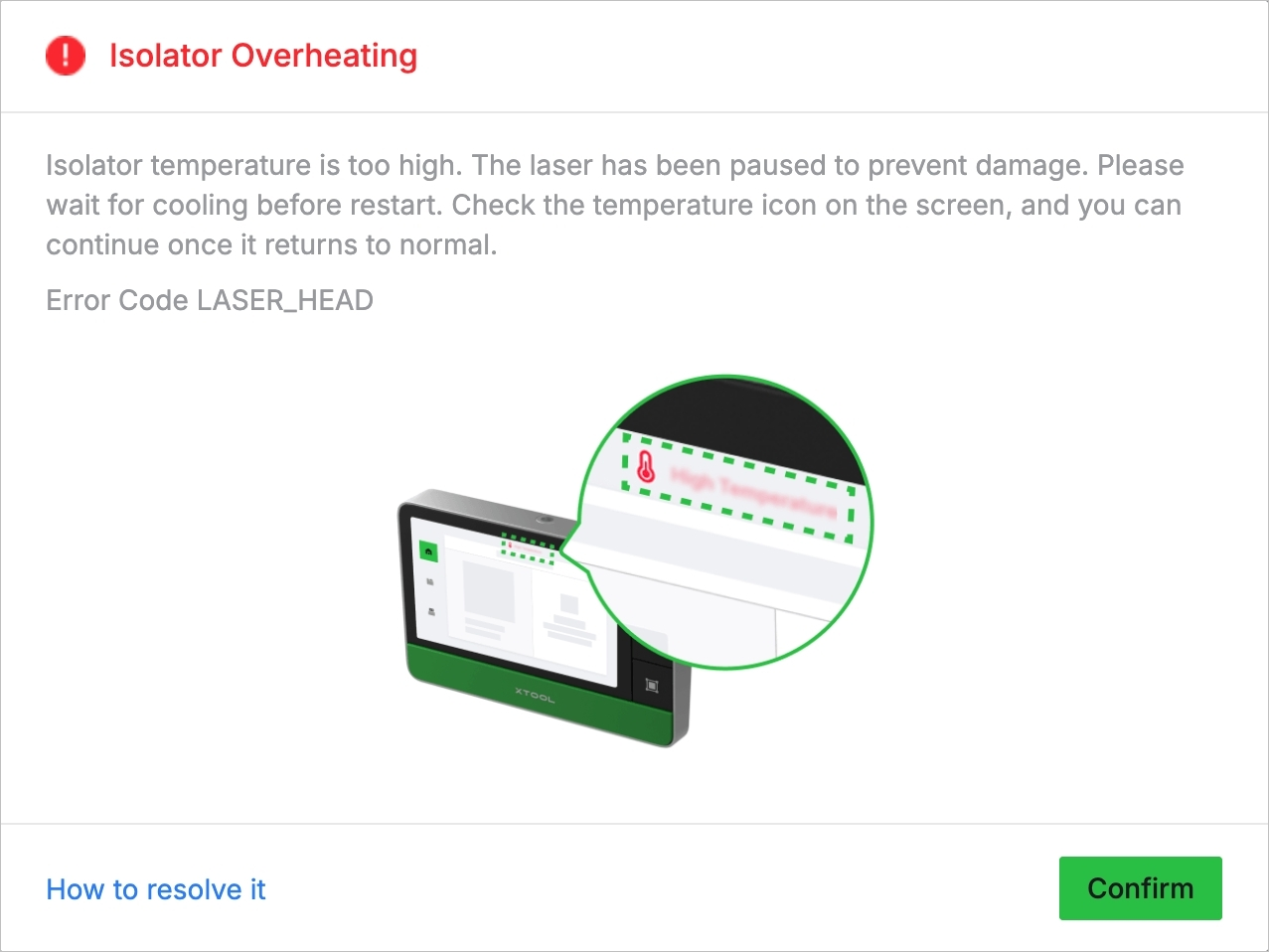
During the processing, the laser isolator detects that the device temperature is too high, triggering the Isolator Overheating alarm in the software. Simultaneously, the device automatically halts the processing and enters the cooling state.
What is a laser isolator? A laser isolator serves as a "one-way shield" for the laser module. It only allows the laser beams to move toward the workpiece and prevents the strong light reflected back from the workpiece from returning to the device. With a laser isolator, laser processing becomes more stable and the laser module’s service life is extended, especially when engraving or cutting reflective metals.
Possible causes
- Processing highly reflective materials in the center of the processing area
Processing highly reflective materials (such as mirror stainless steel, aluminum, and copper) in the center of the processing area, especially when using high-power laser parameters, may cause laser energy to reflect back to the device, resulting in high temperatures.
- Incorrect laser focus
When processing highly reflective materials, incorrect laser focus causes too much laser energy to be reflected back into the device, resulting in high temperatures.
- High ambient temperature or poor ventilation condition
High ambient temperature or poor ventilation condition prevents the device from dissipating heat normally, resulting in high temperatures.
Troubleshooting
- Avoid high-reflection areas
- For highly reflective materials, the reflection reaches the highest level in the center of the processing area (approximately 30 mm × 30 mm).
- When processing this type of material, it is recommended to offset the processing path from the central processing area to avoid prolonged processing in that area. This prevents excessive laser energy from reflecting back into the device.
- Ensure correct laser focus
- When processing highly reflective materials, ensure that the laser is correctly focused.
- If auto-focus or red/blue spot focusing is inaccurate, refer to Perform Infrared and Blue-Light Laser Calibrate to perform a second red-blue light calibration to ensure correct focal distance.
- Avoid high ambient temperature
- This device can work normally at temperatures between +15°C and +30°C. Ensure the device works within this temperature range, and avoid using it in high-temperature environments.
- Optimize ventilation
- Ensure the device is used in a well-ventilated environment to prevent malfunction due to excessive temperatures. For prolonged use, allow sufficient cooling time to avoid overheating.







