Issue description
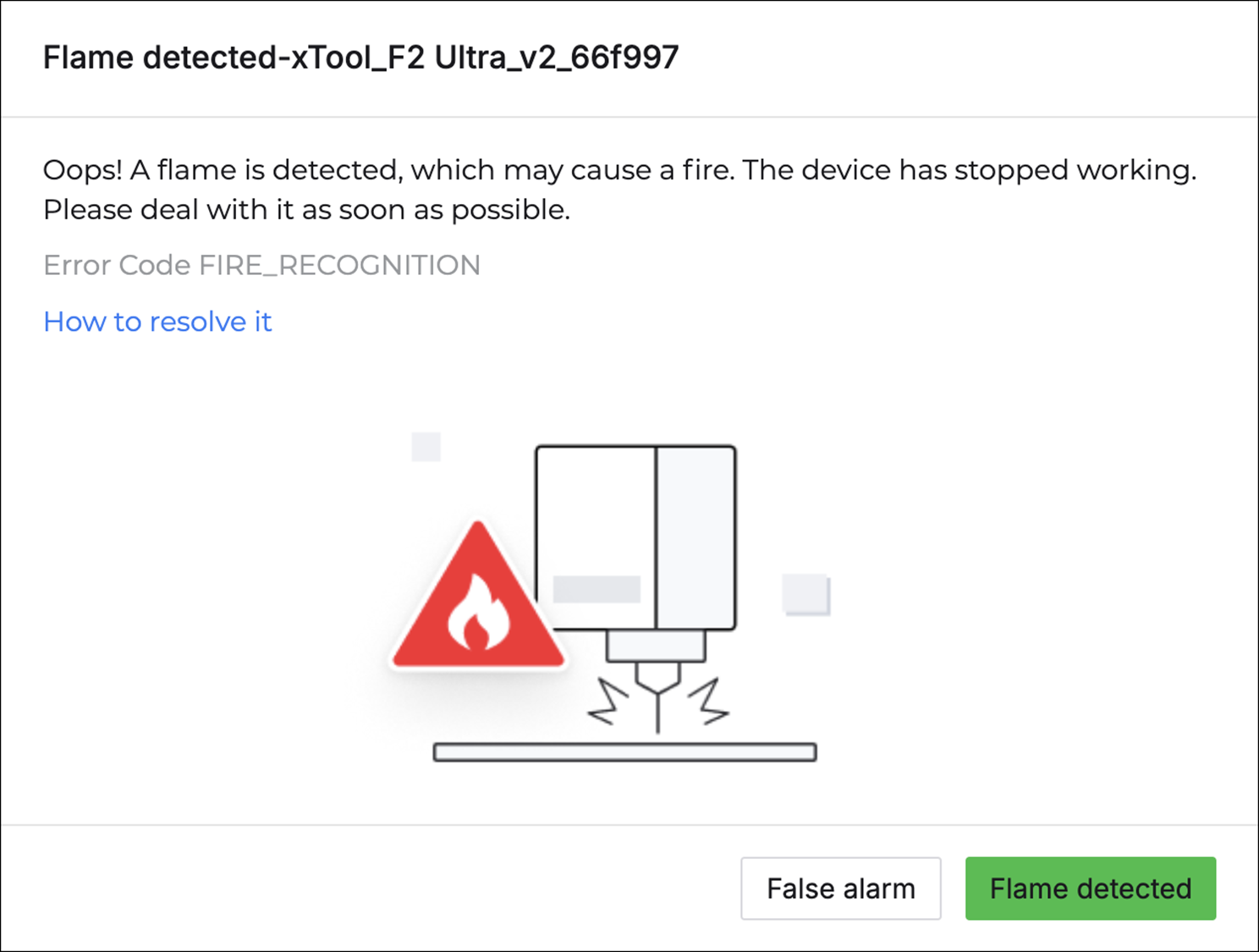
When processing materials using xTool F2 Ultra, you may see a pop-up error message on XCS stating "Flame detected".
Troubleshooting
When a fire is detected
If the error message pops up, please promptly check the machine and extinguish the fire if necessary.
Note:
1. Some materials are flammable and may catch fire during processing.
2. The materials followed by the list have been tested for flammability from highest to lowest: Corrugated Paper > Balsa wood> Basswood plywood > Pine Plywood > Leather > Acrylic > Kraft paper
3. Please avoid leaving your laser unattended while it is running in case of fire.
When it's a false alarm
If no fire is found after inspecting the machine, it indicates a false alarm.
How to deal with it
Place non-reflective objects on the baseplate
When cutting materials, laser reflections on the baseplate can cause the camera to perceive a larger flame area than actual, potentially triggering a flame alarm.
In this case, it is recommended to place a non-reflective object (e.g., the slatted panel) on the baseplate before processing.
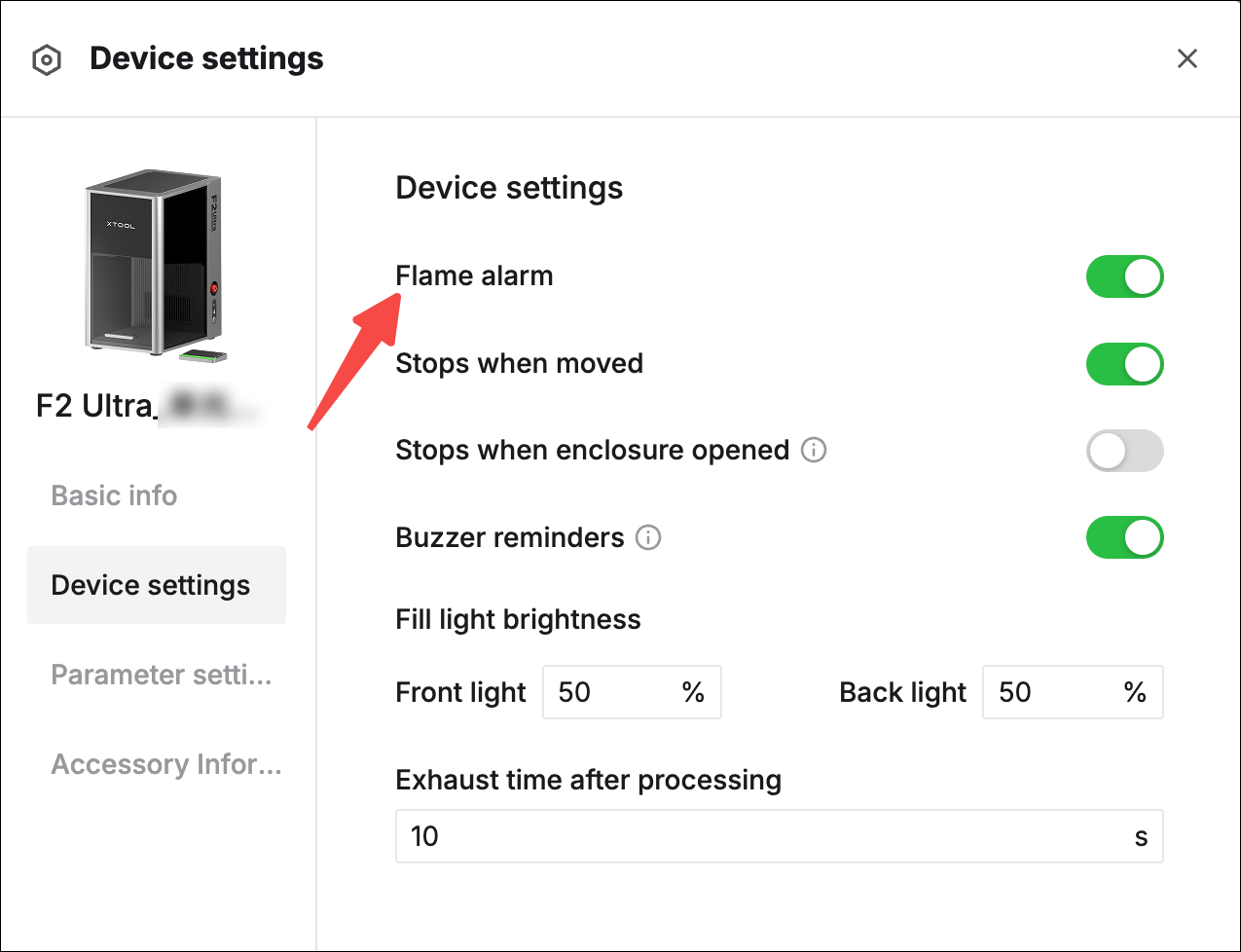
Adjust the flame alarm settings
- Repeating engraving at the same position multiple times at hign power may cause reflections. This can cause the camera to perceive a larger flame area than actual, potentially triggering the flame alarm.
- If you are processing materials like metals with no risk of ignition, you can opt to disable the flame alarm function.
Note: For safety, please enable the flame alarm before the next processing.