

Issue description
After processing, if you find that the edges of the design show visibly shallower marking or engraving compared to the center area, try the steps below to troubleshoot the issue.
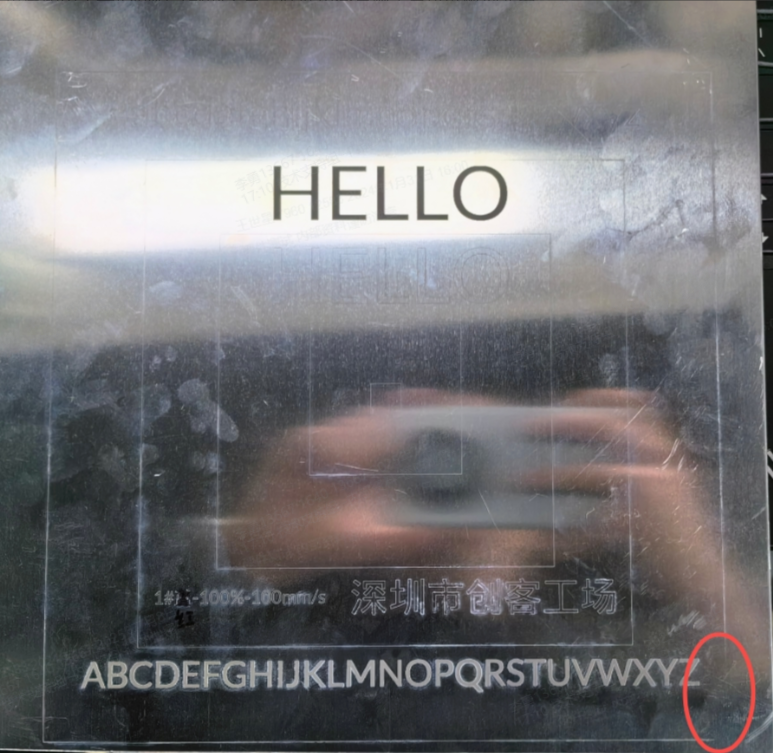
Troubleshooting
STEP 1: Adjust laser Parameters
- Increase laser power to compensate for reduced energy at the field edges.
- Reduce processing speed for vector images to allow more energy per unit area.
- Increase dot duration for bitmap.
STEP 2: Optimize Design Placement
- Reduce the graphic size to keep the entire design within the high-intensity center of the lens.
- Reposition the design to the center of the workspace before processing.







