Issue description
If your device isn't cutting through materials like copper or wood when using recommended settings, try the steps below to troubleshoot the issue.
Troubleshooting
Step 1: Check the focus
Make sure the red and blue laser dots overlap exactly on the material surface. If the dots don’t align, refocus before processing.
Step 2: Verify the laser source
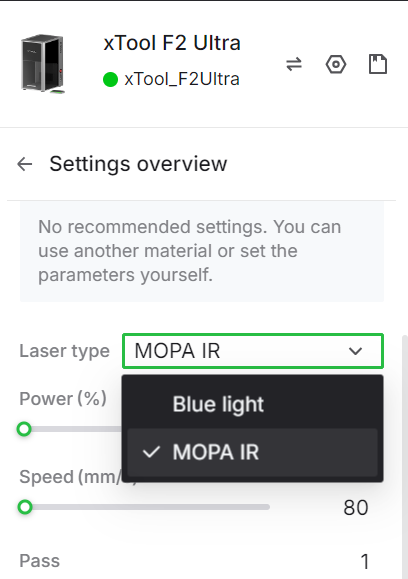
Ensure you’re using the correct laser source for your material. Note that F2 Ultra (Single) supports MOPA laser source only.
Step 3: Clean the field lens
Inspect the field lens for dust or contamination. If dirty, clean it using the lint-free cloth provided in the box.
Step 4: Use the slatted panel
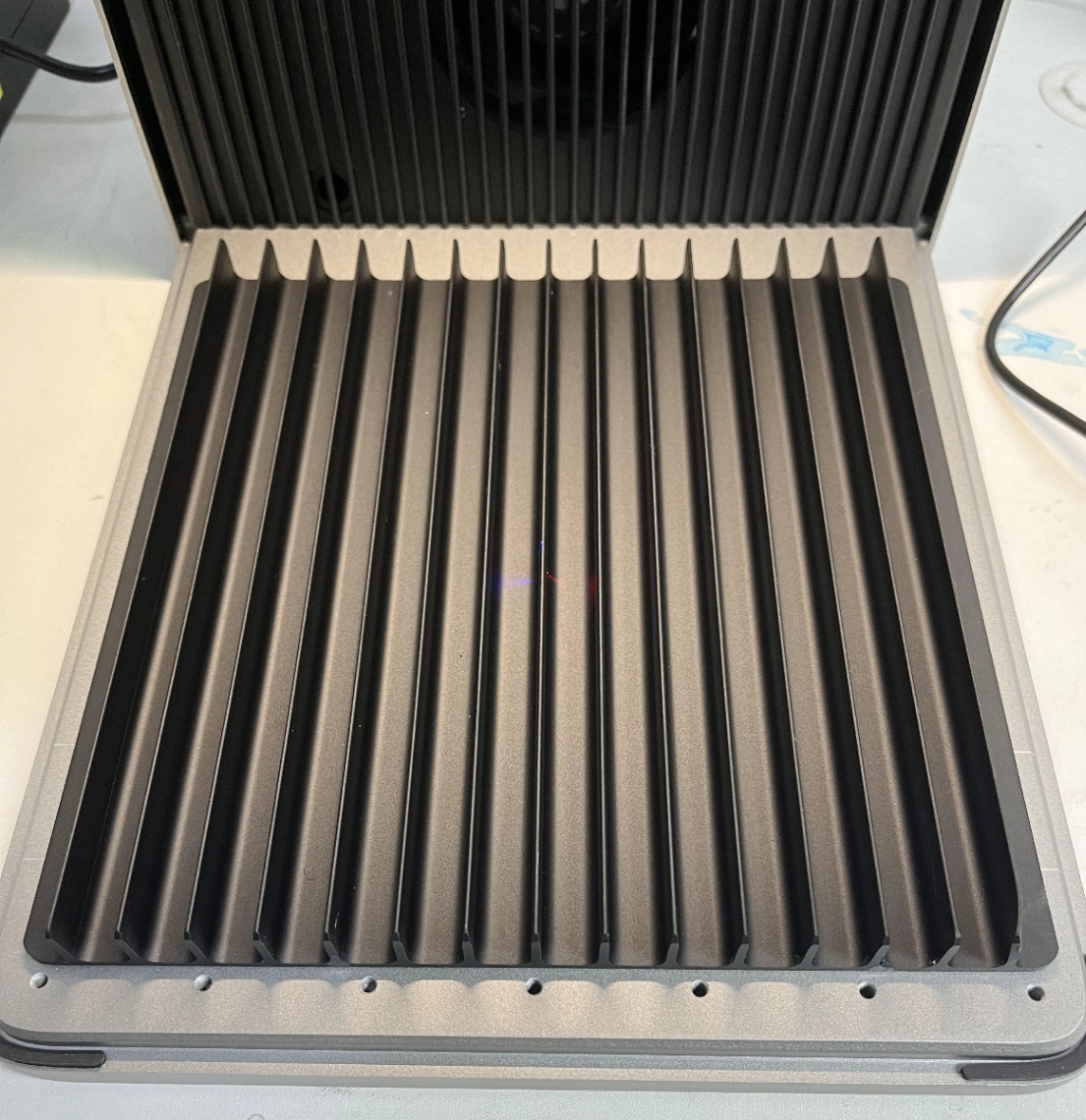
Place your material on the slatted panel to ensure proper airflow and cutting results.
Step 5: Adjust processing parameters
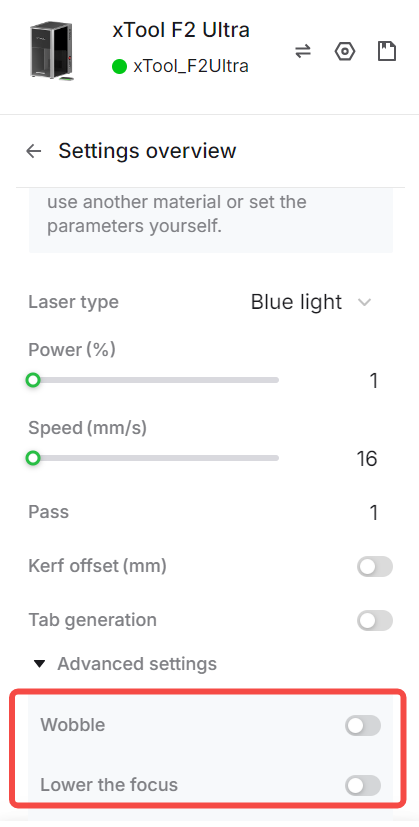
Increase the number of passes or raise the cutting power. For better results, enable Wobble and Lower the focus in the Advanced settings.