
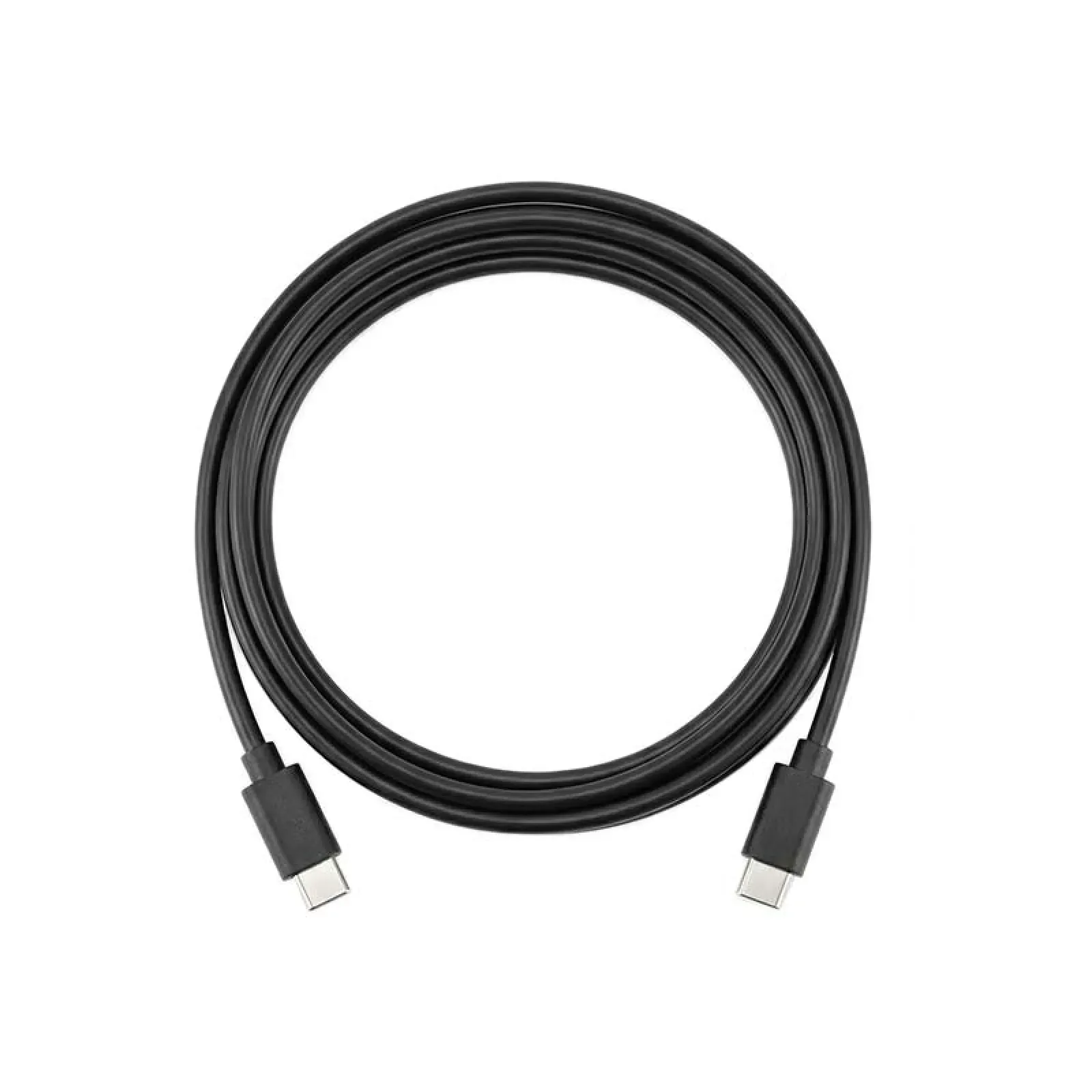
xTool USB-C To USB-C Cable
₹800.00 (Inc. GST) ₹122.03 GST Input (18%) Claimable with B2B Billing. Enter GST number at checkout.
Match My Price
Found the same machine cheaper elsewhere? Share the details below and we'll match that price.
Ship Location – Delhi Warehouse
Description
xTool USB-C to USB-C Cable
The xTool USB-C to USB-C Cable is a dual USB-C connection cable designed for compatible xTool equipment. It provides a USB-C connection between devices that use compatible USB-C ports and can serve as a replacement or spare cable where a double-ended USB-C connection is supported. xTool lists this product as a Dual USB-C cable on its official product page.
Key Features
- Dual USB-C cable design
- USB-C connectors on both ends
- Designed for compatible xTool equipment
- Useful as a replacement or spare connection cable
- Provides a direct USB-C connection between compatible devices
xTool USB-C to USB-C Cable Function
The xTool USB-C to USB-C Cable is intended for equipment that supports a dual USB-C connection. Its USB-C connectors allow compatible devices to be connected directly without requiring a USB-A adapter.
The cable can be useful when replacing a damaged or missing cable or when an additional compatible USB-C connection cable is required. However, USB cable compatibility can vary between xTool machines, so the required cable type should always be confirmed for the specific machine before use. xTool’s support documentation notes that different xTool products require different types of data cables.
Compatibility Consideration
| Specification | Details |
|---|---|
| Product | xTool USB-C to USB-C Cable |
| Cable Type | Dual USB-C cable |
| Connector Type | USB-C to USB-C |
| Product Category | Connection Cable |
| Main Use | Connecting compatible devices |
Important Usage Considerations
The xTool USB-C to USB-C Cable should only be used with equipment that supports this type of connection. xTool specifically notes that some machines, including the P2, do not support a double-ended USB-C cable for computer connection.
Check your machine’s connection requirements before purchasing or using the cable to ensure the USB-C to USB-C configuration is supported.








Reviews
There are no reviews yet.