
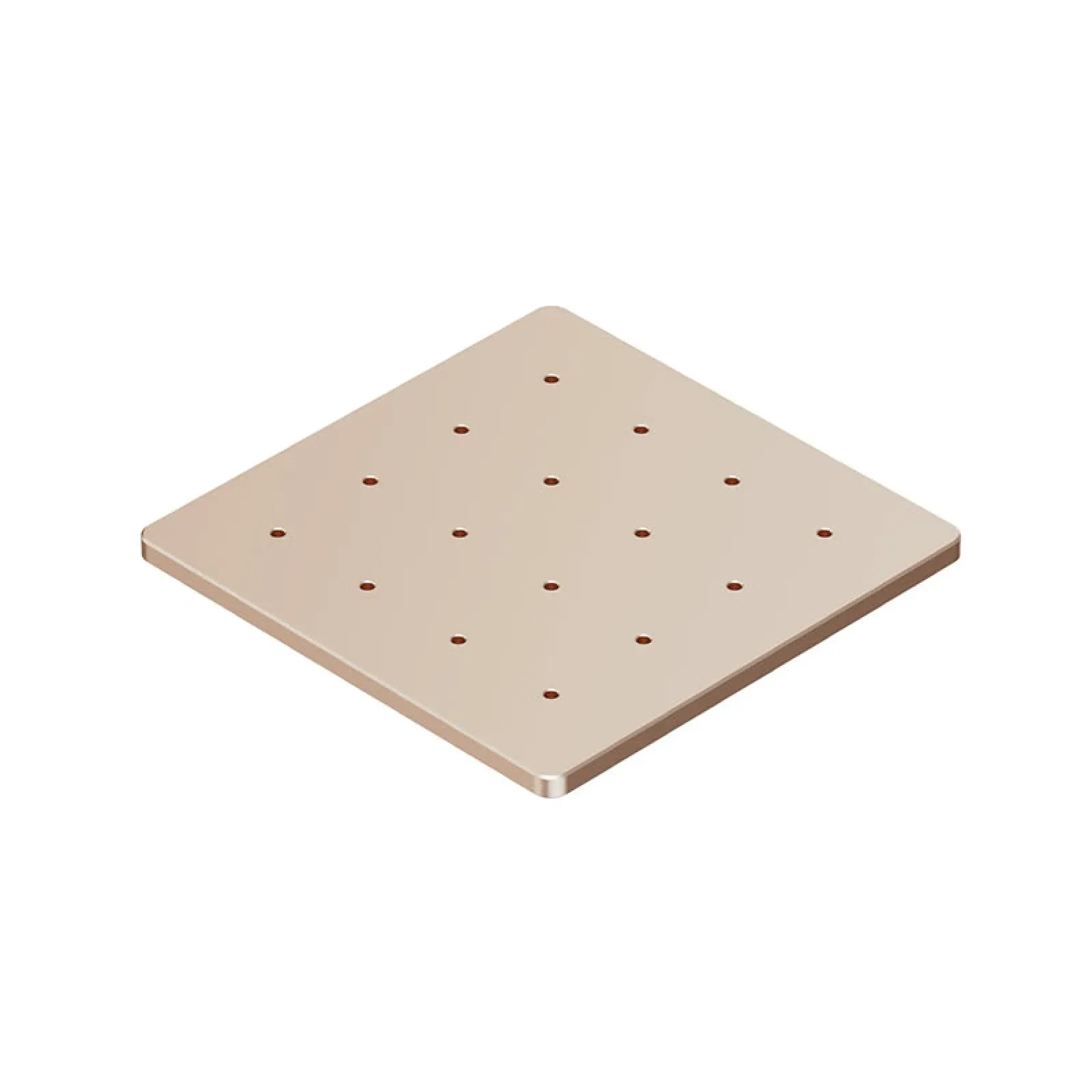
xTool Baseplate for F2
Match My Price
Found the same machine cheaper elsewhere? Share the details below and we'll match that price.
Ship Location – Delhi Warehouse
Description
xTool Baseplate for F2
The xTool Baseplate for F2 is a dedicated replacement baseplate designed for the xTool F2 laser machine. It provides the machine’s designated base surface for supporting materials during laser processing and is an important component of the F2 working setup. xTool’s official product page identifies this component specifically as the F2 base plate.
Key Features
- Designed specifically for the xTool F2
- Dedicated F2 baseplate
- Provides a supporting surface for material processing
- Suitable as a replacement baseplate
- Compatible with the xTool F2 working setup
xTool Baseplate for F2 Function
The xTool Baseplate for F2 provides the base surface on which materials and compatible accessories can be positioned during processing. The baseplate is also used as a reference surface when setting up accessories and material-processing configurations on the xTool F2.
For example, xTool’s documentation for using the RA3 rotary attachment with the F2 explains that the rotary attachment is positioned on the F2 baseplate, with specific marking lines used to align the rotary attachment according to its working mode.
Compatibility
| Specification | Details |
|---|---|
| Product | xTool Baseplate for F2 |
| Compatible Machine | xTool F2 |
| Product Type | Baseplate |
| Main Function | Material and accessory support |
Replacement Baseplate for xTool F2
The xTool Baseplate for F2 is suitable when the original F2 baseplate needs to be replaced. Having the correct machine-specific baseplate is important because the F2 uses the baseplate as part of its normal processing and accessory setup.
The baseplate is also relevant when using compatible F2 accessories. xTool documentation shows that accessories such as the RA3 rotary attachment are placed on the F2 baseplate during setup.
Important Usage Considerations
Use the xTool Baseplate for F2 with the compatible xTool F2 machine. When installing or replacing the baseplate, follow the applicable xTool instructions and ensure the baseplate is correctly positioned before processing.
When using accessories that require the F2 baseplate, such as a compatible rotary attachment, follow the accessory-specific positioning instructions provided by xTool.








Reviews
There are no reviews yet.