Issue Description
When using xTool F2 with the slide extension, the preview appears incorrect or misaligned. 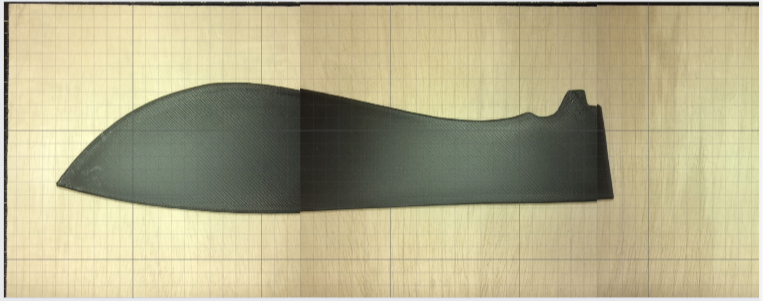
Possible Cause
This incorrect or misaligned preview may be caused by the incorrect installation of the slide extension.
Troubleshooting
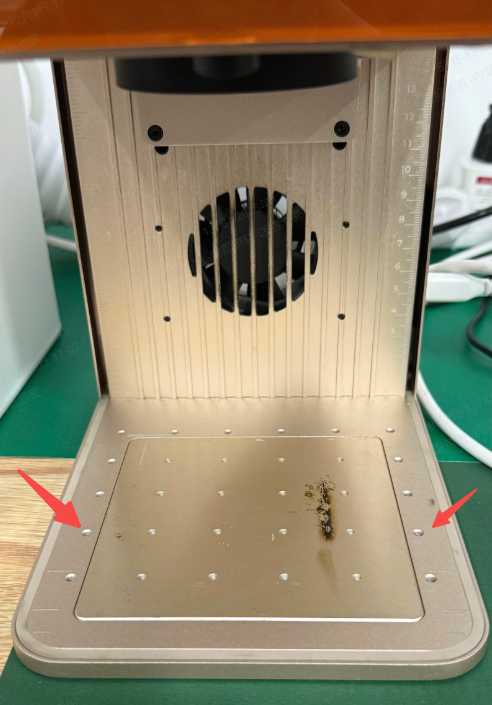
- Please reinstall the slide extension. Make sure that the screws of the slide extension are secured into the second row of mounting holes on the baseplate, and that all screws are fully tightened.
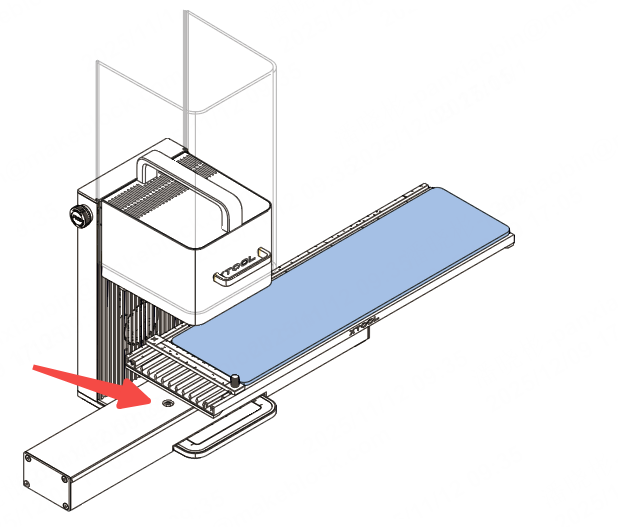
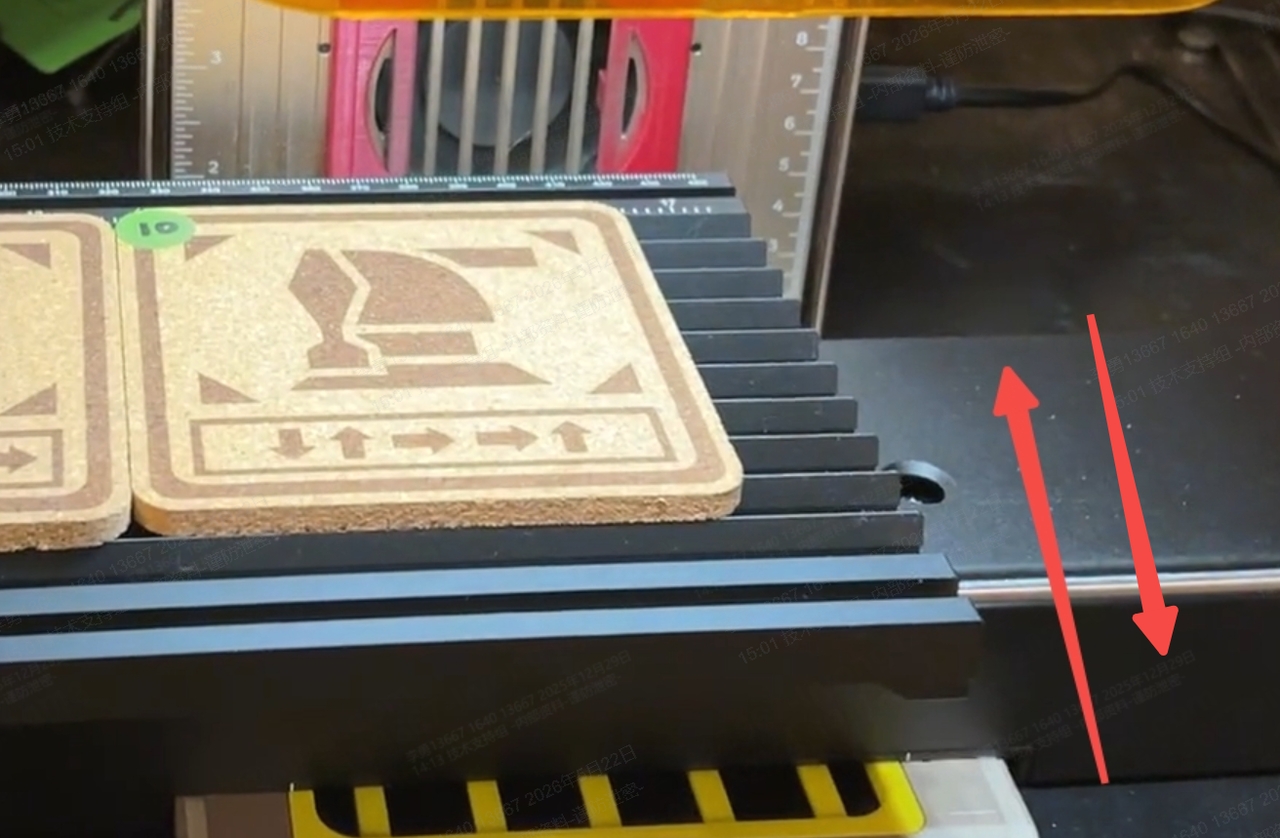
- If the issue persists, loosen the right-side fixing screws, manually fine-tune the position of the slide extension until the preview display is normal, then tighten the screws.
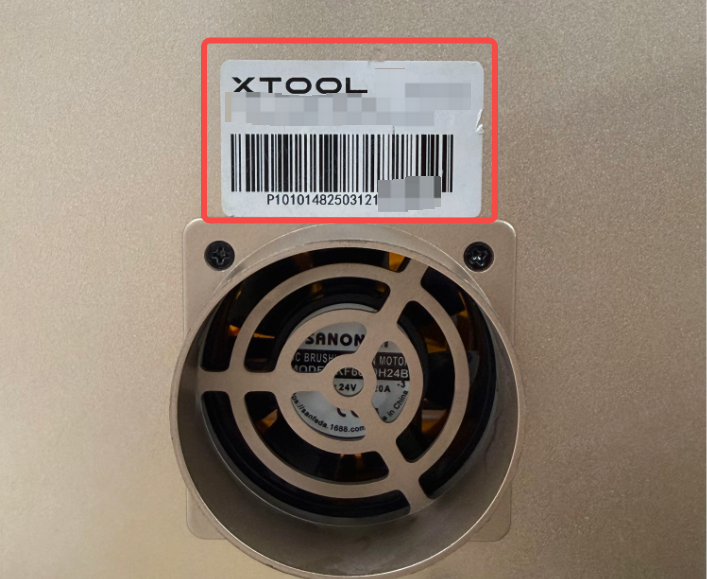
If the issue persists, please provide the serial number (SN) to xTool Customer Service at support@xtool.com for further assistance.